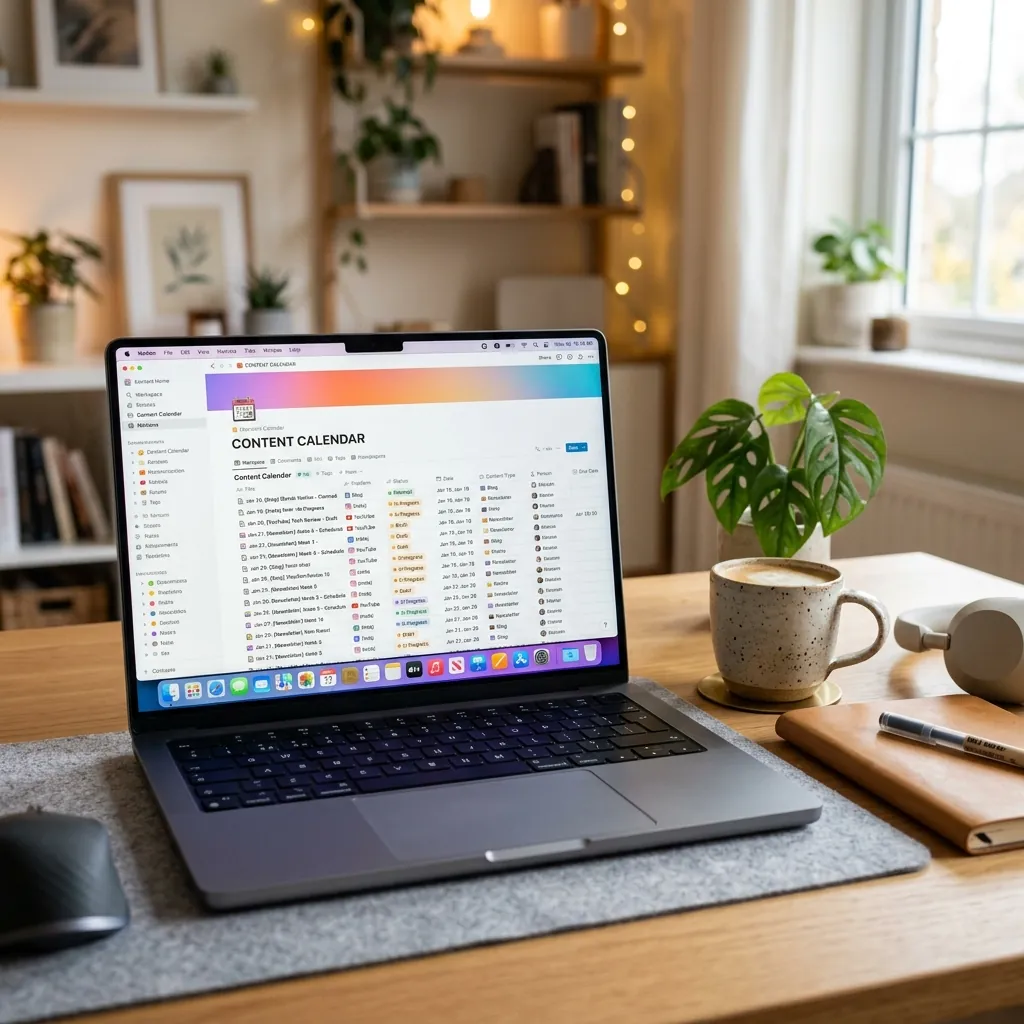
Quick Answer: The best Notion template for social media content planning is one that functions as a complete operating system, not just a blank calendar. Look for systems that include pre-built strategy frameworks, hook banks, and niche-specific visual planning tools. Our top recommendation for product brands is the EXEVIOUS Content Strategy OS.
You search for a Notion template because your current workflow is broken. Your iPhone notes app is a graveyard of half-finished captions. Your Google Calendar is confusing. You download a free template you found on Pinterest, open it, and stare at a massive, empty spreadsheet.
That is a junk drawer of pretty layouts. You need a system.
Most Notion templates sold online are built by productivity enthusiasts for other productivity enthusiasts. They are blank canvases that require you to build the engine from scratch. As a brand owner, you do not have time to code formulas or figure out what content pillars mean.
What Makes a Template Actually Useful?
When evaluating a content planning system, stop looking at the pastel color scheme. Look at the mechanics.
Does It Have a Built-in Strategy?
A calendar with empty slots marked “Monday, Wednesday, Friday” does not tell you what to post. A strategic template removes the decision fatigue. It gives you predefined pillars like “Cost-per-wear breakdown” or “Behind-the-scenes packaging.” It forces you to balance educational, entertaining, and promotional content without you having to overthink it.
Is the Hook Bank Integrated?
You write a brilliant caption, but nobody reads it because your first sentence was boring. Your Notion setup must include a database of high-converting hooks. More importantly, those hooks need to link directly to your drafting page. When you sit down to plan a Reel, you should be able to drag and drop a proven hook straight into the script.
Does It Handle the Visual Execution?
Product brands sell on aesthetics. A text-heavy to-do list won’t help you plan a cohesive Instagram grid. You need a system that allows you to drop in raw photos and preview the visual flow before you hit publish.
The Difference Between a Template and an OS
A template is a document you fill out. An Operating System (OS) is an engine that runs your process.
When you use a basic template, you still rely on spontaneous motivation. You wake up, look at the blank page, and hope inspiration strikes. When you use an OS, the decisions are already made. The OS dictates what angle to shoot, what hook to use, and when the draft needs to be ready. You just execute the steps.
The System We Built
We watched hundreds of fashion, beauty, and jewellery brand owners burn out trying to manage their content on fragmented apps. We saw them abandon complex Notion setups because they were too overwhelming.
That is why we built the Content Strategy OS.
It is not a blank canvas. It is a rigid, proven workflow. It comes pre-loaded with niche-specific strategy frameworks, a massive hook library, and a drag-and-drop visual planner. Install the system, map out your entire month in a single hour, and get back to actually running your business.