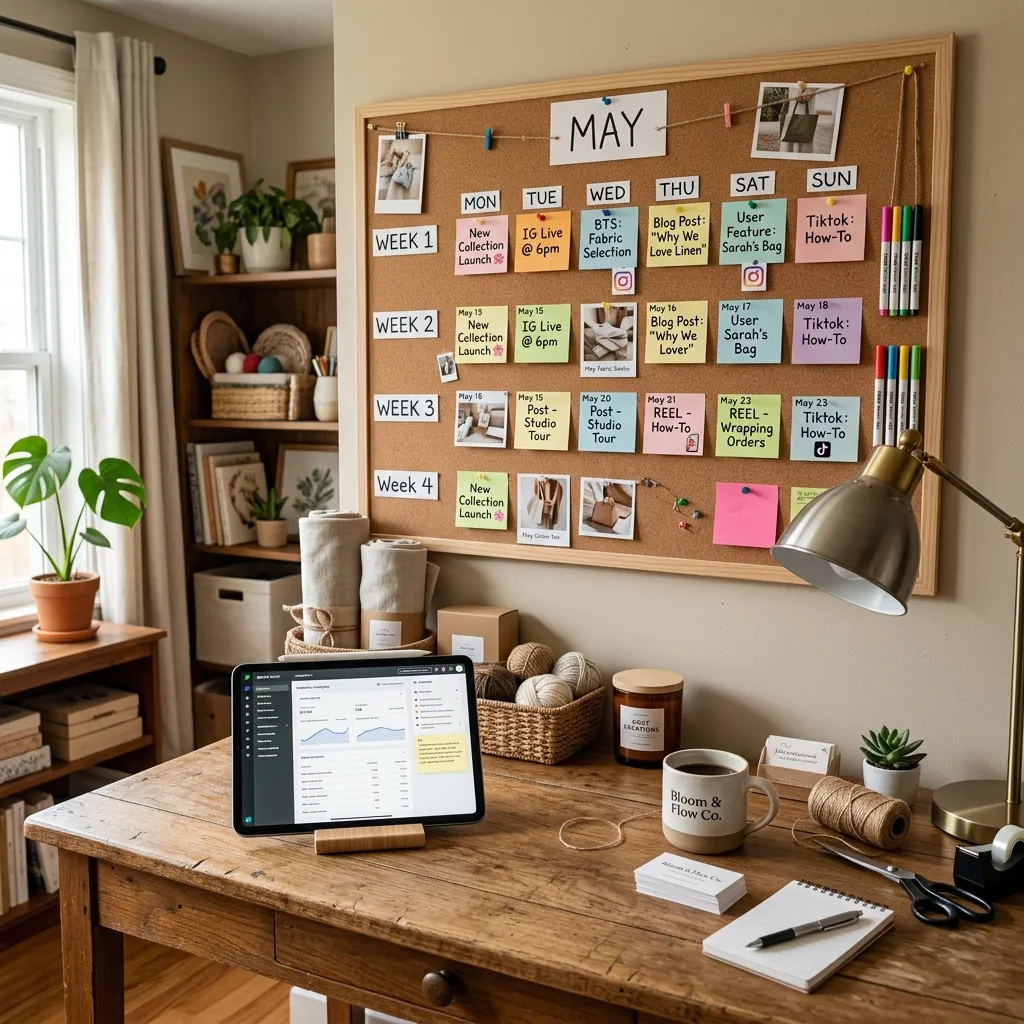
Quick Answer: The most effective Instagram content calendar for a small business balances educational, aesthetic, and behind-the-scenes content in a structured rotation. A functional calendar must integrate your hook drafts, visual asset links, and strategic pillars—it cannot be just a basic list of dates.
Every morning, thousands of boutique owners open their phones, look at their Instagram grid, and experience a sharp wave of anxiety. You know you need to post. You have no idea what to say.
So, you post a photo of your product with a caption that essentially says, “Buy this.” It gets zero traction.
This happens because you treat your content calendar as a daily chore instead of a strategic asset. A blank spreadsheet will not save your marketing. You need a calendar structure that forces you to be interesting.
The Anatomy of a Functional Calendar
A calendar that actually converts browsers into buyers requires more than just a “Publish Date” column.
The Strategic Pillars
Your calendar must be categorized by pillars. If you sell skincare, you cannot post five product shots in a row. Your calendar needs to visually warn you when your content mix is off balance. A strong template rotates through:
- Education: Breaking down ingredients, explaining the sourcing process, or teaching the customer how to use the product correctly.
- Aesthetics: High-end, aspirational imagery that builds brand prestige.
- Community/Reality: The messy, authentic reality of running the business, packing orders, and the founder’s journey.
The Hook-First Approach
Most templates have a massive box labeled “Caption.” This is a mistake.
Your calendar should separate the “Hook” from the “Body.” The first three seconds of a Reel or the first line of a caption determine if anyone pays attention. By dedicating a specific column in your calendar just to the hook, you force yourself to prioritize the scroll-stopping element before you write the rest of the text.
Asset Management
Your calendar must link directly to the creative assets. “Post a Reel about the new summer dress” is not actionable. Your calendar entry must link to the specific audio file, the raw video clips, and the draft script.
Moving Beyond the Spreadsheet
Google Sheets is great for accounting. It is terrible for creative marketing.
Spreadsheets cannot hold your visual mood boards, your competitor research, or your swipe file of viral videos. They isolate your scheduling from your strategy.
You need a centralized system. The EXEVIOUS Content Strategy OS provides a dynamic, visual calendar built specifically for product brands. It integrates your strategy pillars, your hook library, and your visual assets into one seamless Notion dashboard. Stop trying to manage your brand’s narrative in a sterile spreadsheet. Get the system that handles the heavy lifting for you.